WhatsApp Usernames Are Finally Here: How to Hide Your Phone Number

In a move that many consider long overdue, WhatsApp is finally introducing usernames to its platform, which is used by billions of people every day. Ever since WhatsApp launched, it has required users to use their actual phone number as a primary identifier. This number also needed to be active and ready to receive a phone call or SMS to receive authorization codes. In my view, this decision simplified registration and access to WhatsApp, as users didn’t need to remember an extra username or password. This made the experience seamless, but it came at the price of privacy.
This latest feature aims to fix that. Because the app used phone numbers as primary identifiers, everyone you communicated with on the platform automatically had your personal number. This meant they could call or message you outside of WhatsApp. Considering that many people use their phone numbers as backups for two-factor authentication (2FA), a critical piece of private information was being inadvertently shared just by signing up to use the app.
Other services like Skype, Viber, and GoToConnect all used to have one thing in common: you needed to sign up and create a username and password. To connect with someone, you had to know their username before you could call or message them. With WhatsApp, once you signed up with your phone number, anyone who had that number could message you. This was incredibly seamless on your own device, where you could instantly message anyone in your phonebook who had WhatsApp installed. By hooking into the phonebook, WhatsApp made onboarding easy and the user journey smooth, but it exposed users’ phone numbers in the process.
What is this username feature?
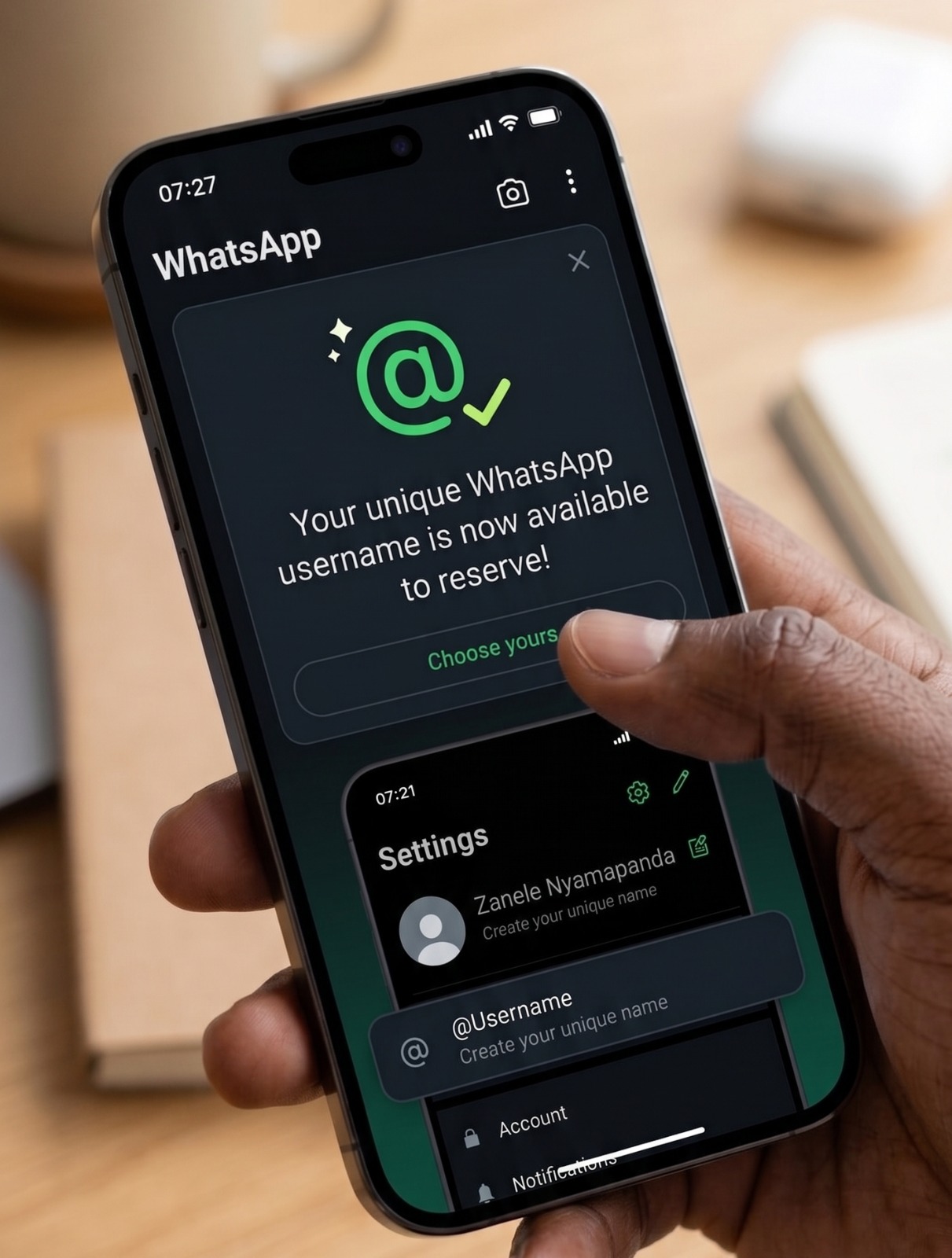
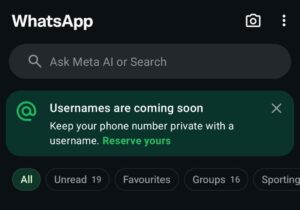
Through this latest update, WhatsApp intends to allow users to use usernames instead of phone numbers. At the time of writing this article, people are being prompted to reserve their WhatsApp usernames. If you don’t see a prompt on your home screen, you can navigate to Settings > Account > Username to claim yours. Naturally, this is on a first-come, first-served basis—so if you want a unique handle, you should go ahead and reserve it now. Although this reservation is live to Beta testers, it might not be available to everynoe yet. Check your account page under Settings and see if the reserve option is there. If its not, you can check back and see when it appears.

How will it work in the future?
Moving forward, it will no longer be automatic that anyone who has your phone number can contact you via WhatsApp; you will need to know the exact username of the person you want to reach. In addition to this, WhatsApp is providing an extra layer of security: an optional username pin or key that someone will need to know to send you a message, even if they already have your username.

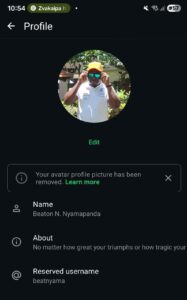
When this goes live, messaging a person or business for the first time will no longer expose your phone number, provided you have enabled your username. Gone will be the days when everyone in a group chat automatically has access to your mobile number. WhatsApp has stated they will be rolling this out gradually over the coming months, with those in the beta program expected to get these changes first.
Is this a good thing?
Absolutely. This closes a massive privacy gap that WhatsApp created years ago and never addressed. Finally, phone numbers can be private once again. What do you think of this change?